
GMod loading screen guides
Short answers to the questions server owners ask most often, with the real causes and the steps that fix the problem.
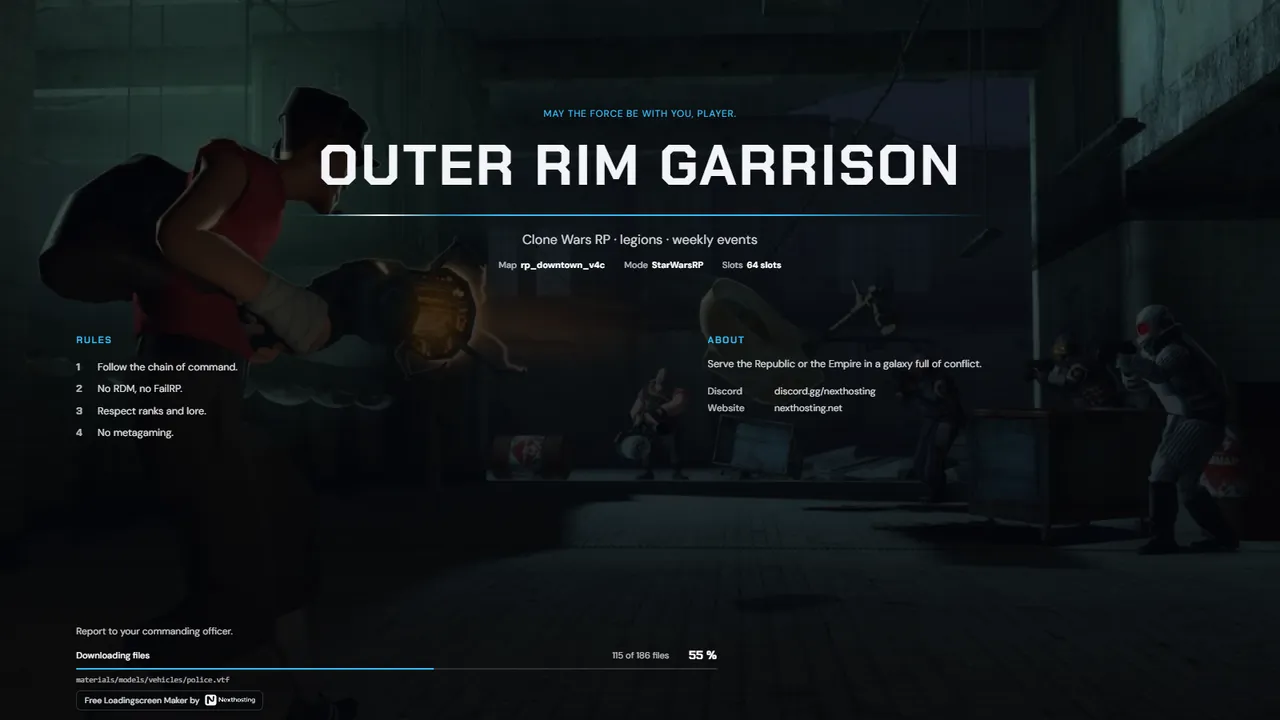
- Set up a GMod loading screen with sv_loadingurlAdd sv_loadingurl "https://…" to garrysmod/cfg/server.cfg and restart the server. If you append %s and %m to the address, Garry's Mod fills in the player's SteamID and the map name.
- Loading screen not showingEnter sv_loadingurl in the server console. If your address doesn't come back, the line isn't being read or is being overridden. If it does, the problem is the page itself or a setting on the player's side.
- Loading screen music not playingUse a direct link to an .ogg or .mp3 file, not a YouTube, Spotify or Drive page. Then check the music volume in the game settings: the loading screen uses it, and if it is set to zero, it stays silent.
- Steam name and avatar not showingThe address in server.cfg must contain steamid=%s. Only then does Garry's Mod pass the player's SteamID, and the loading screen can look up the name and profile picture on Steam.
- Your own loading screen with HTML and JavaScriptDefine the global functions GameDetails, SetFilesTotal, SetFilesNeeded, DownloadingFile and SetStatusChanged on your page. Garry's Mod calls them while connecting. Write the JavaScript in ES5 so it also runs in the older built-in browser.
Create a loading screen
Free. Sign in with your Nexthosting account; creating one costs nothing.
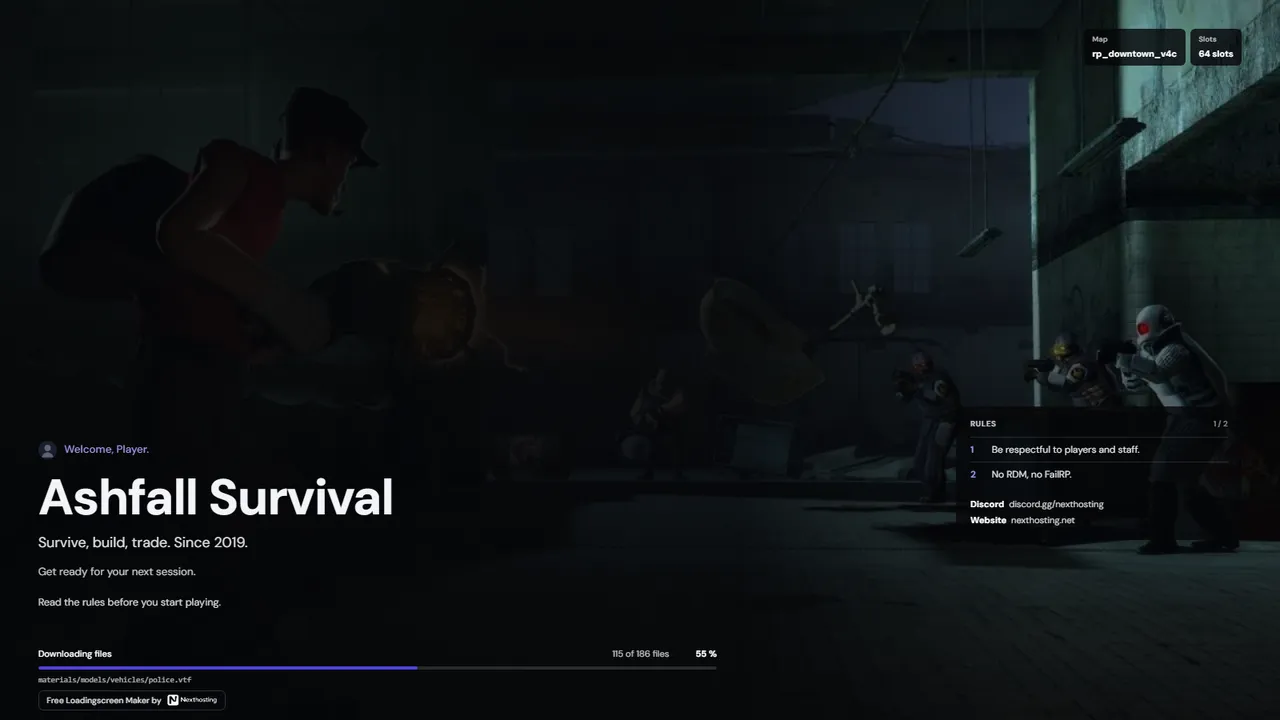 Horizon
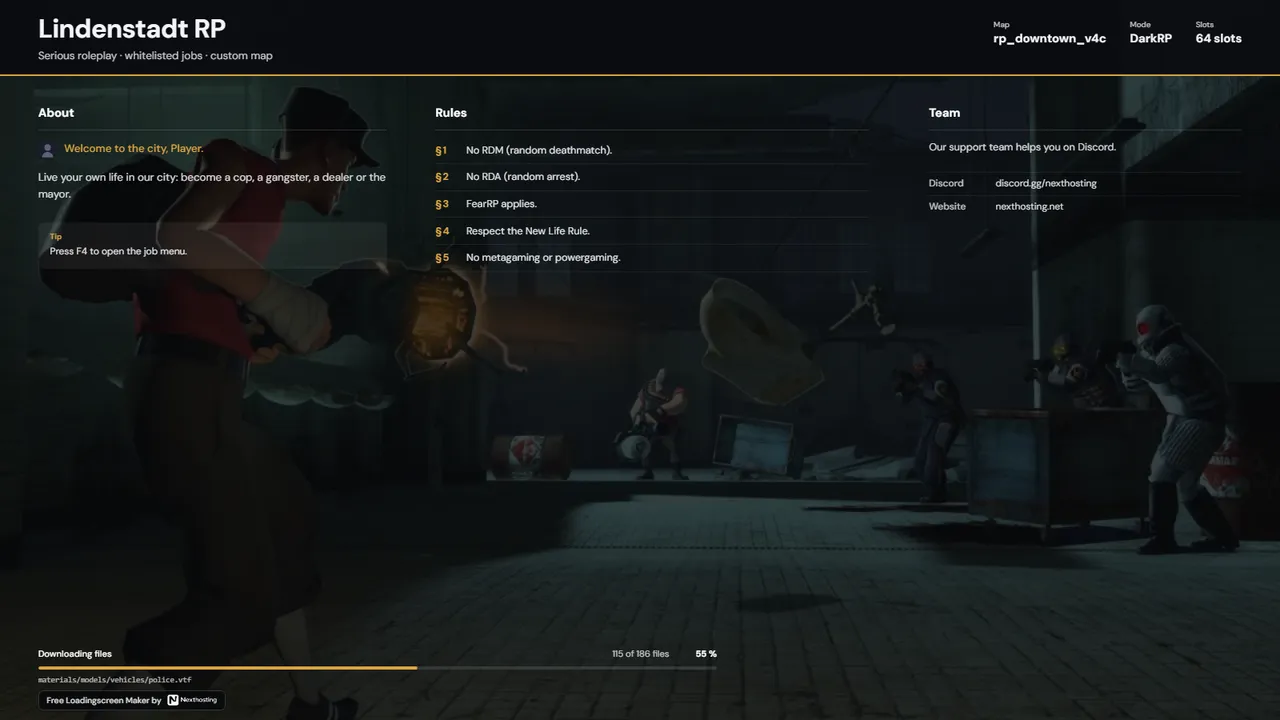 Charter
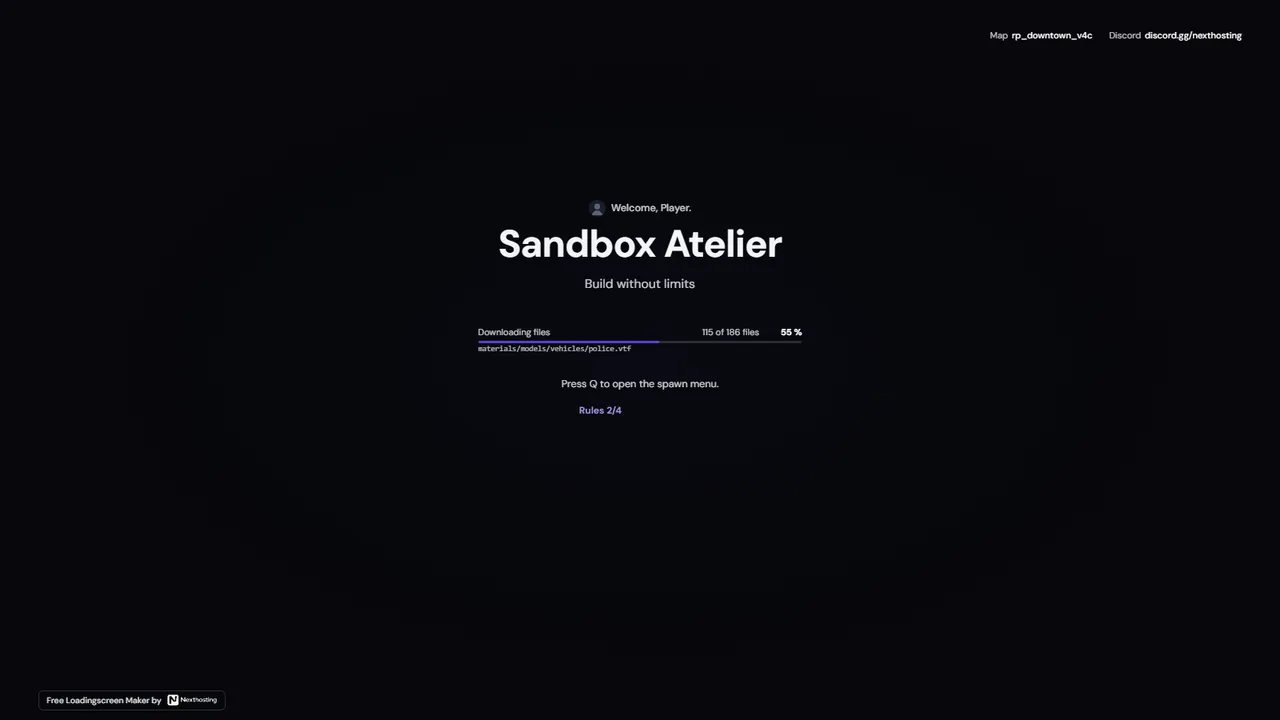 Signal
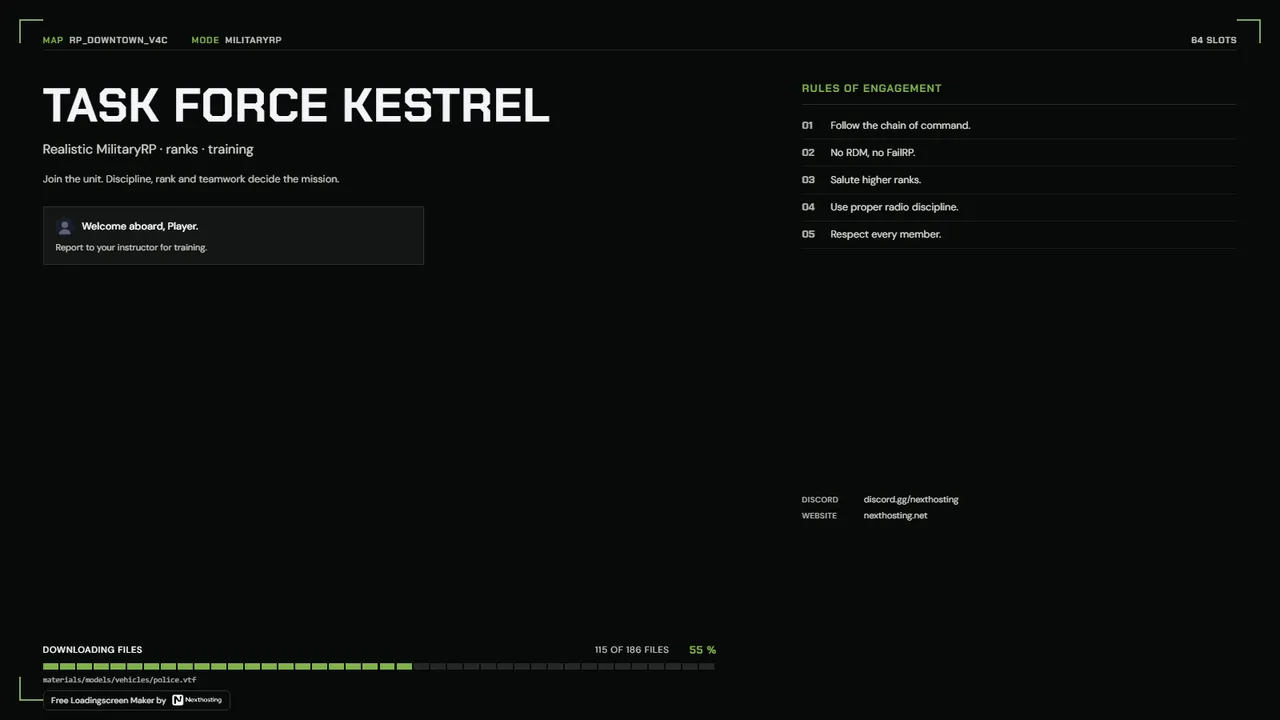 Briefing
 Pulse