
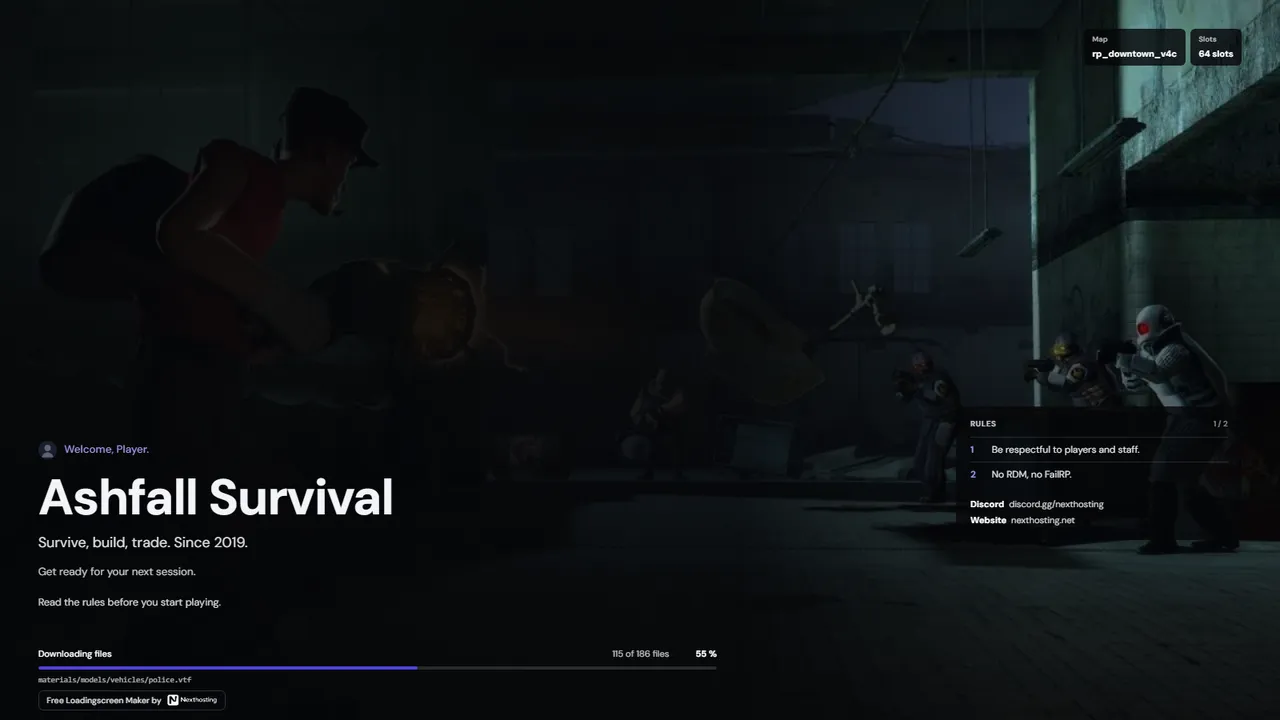
Garry's Mod · Custom, Sandbox
Horizon loading screen template
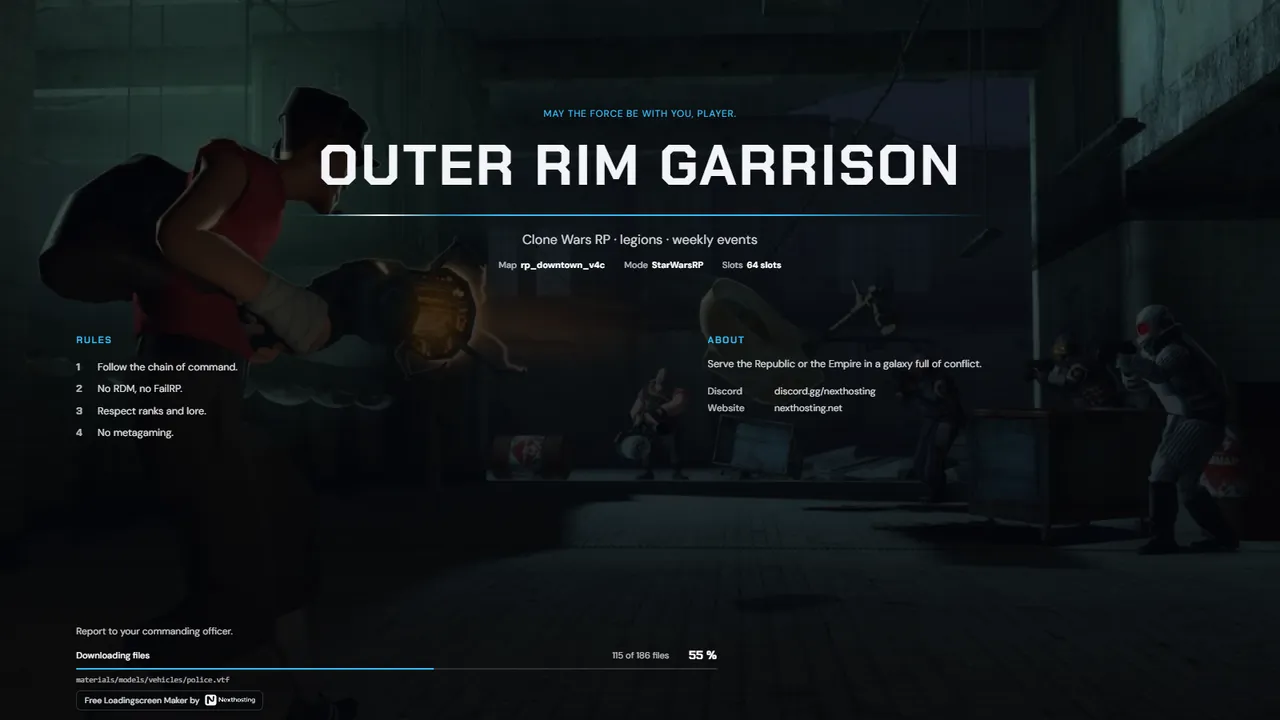
Cinematic: your background image takes center stage, name and info sit calmly in the lower third.
Free. Sign in with your Nexthosting account; creating one costs nothing.
Cinematic: your background image takes center stage, name and info sit calmly in the lower third.
Free. Sign in with your Nexthosting account; creating one costs nothing.
No. The generator is free with a Nexthosting account, and you can create up to 10 loading screens. The loading screen shows a small “Free Loading Screen Maker by Nexthosting” line.
No. The loading screen is a web address that you enter in server.cfg. It works with any Garry's Mod server.
Yes. You can change the design in the editor at any time, and your texts, links and images stay in place. The address in server.cfg stays the same.
After saving, you get a line like sv_loadingurl "https://…". Copy it into server.cfg and restart the server.
Free. Sign in with your Nexthosting account; creating one costs nothing.
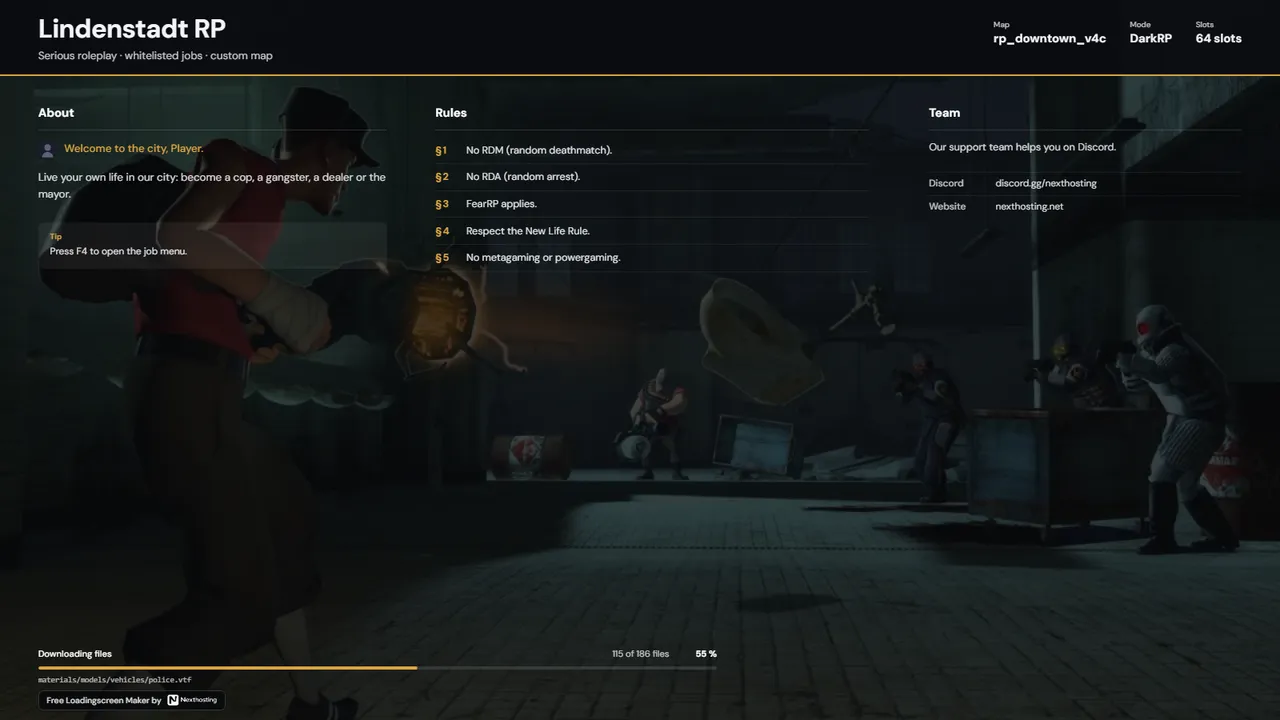 Charter
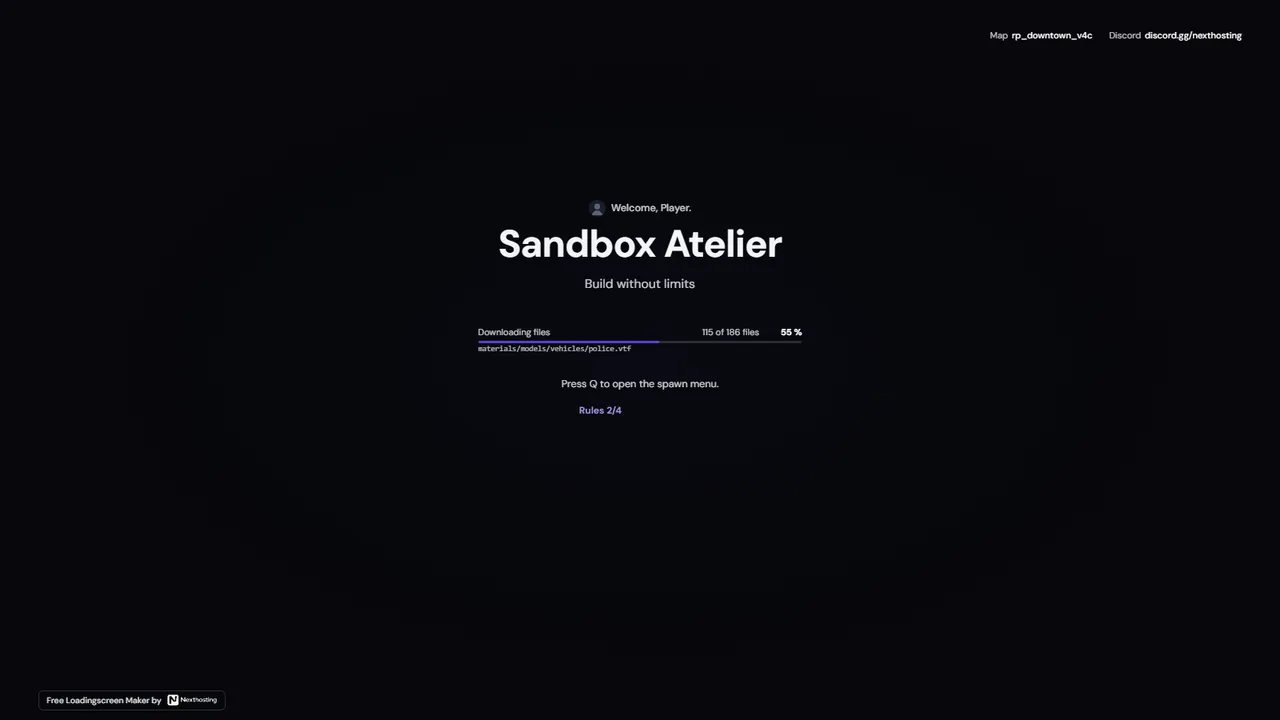 Signal
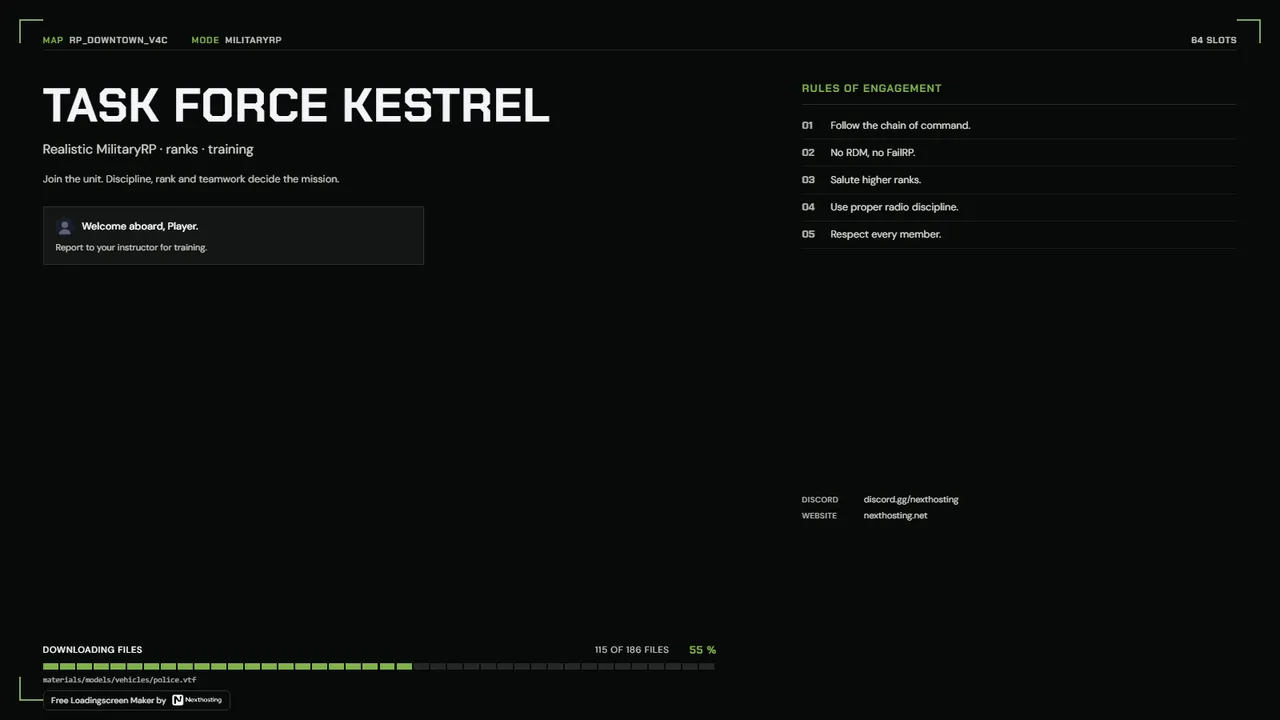 Briefing
 Pulse