Garry's ModGreeting with Steam name and avatar
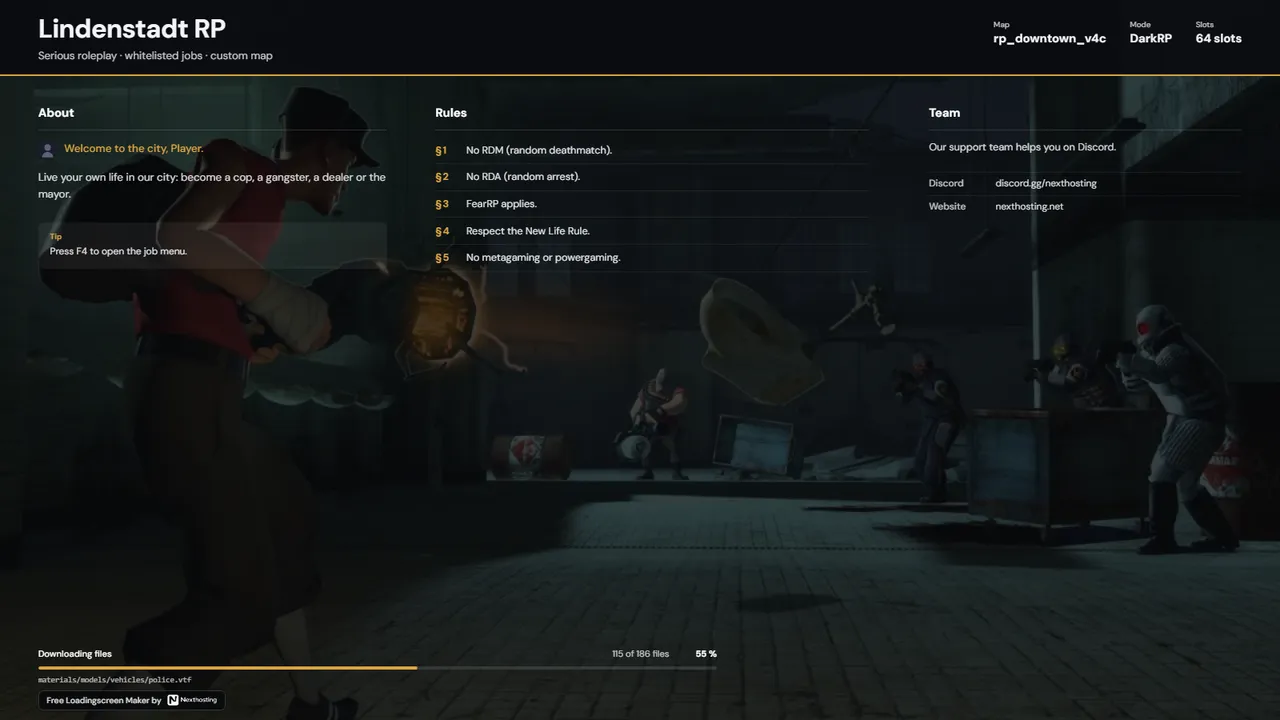
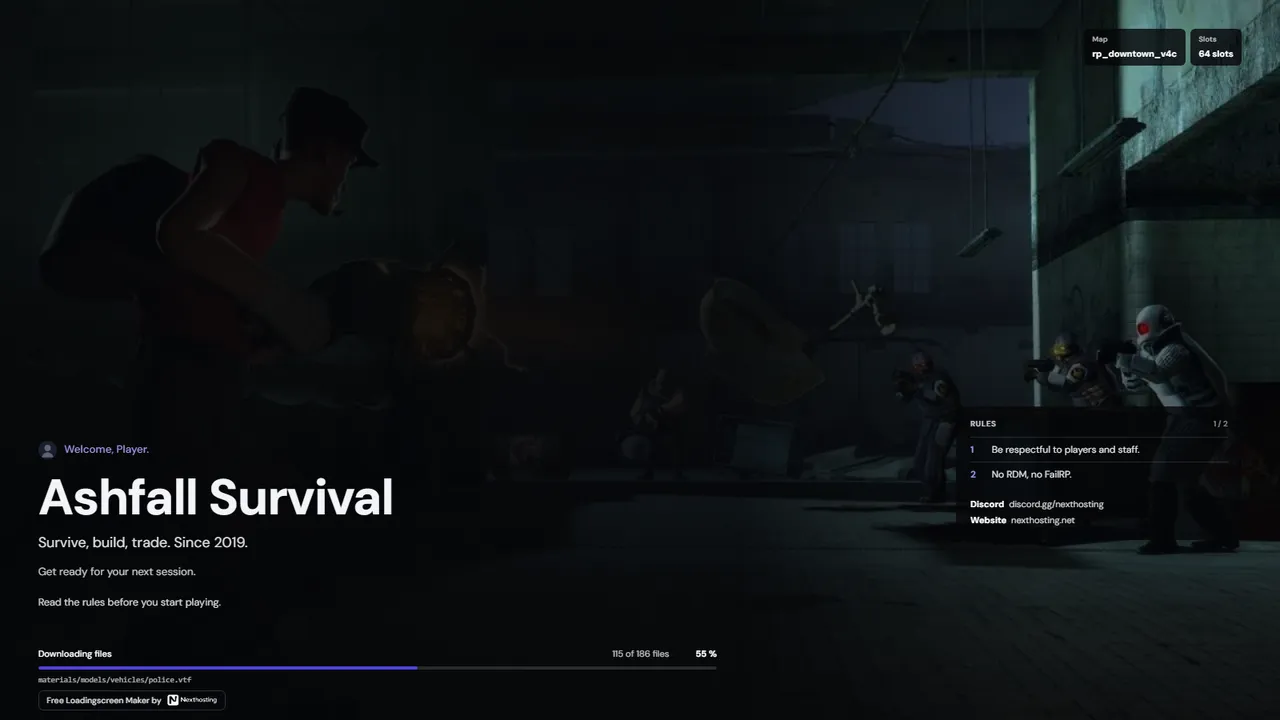
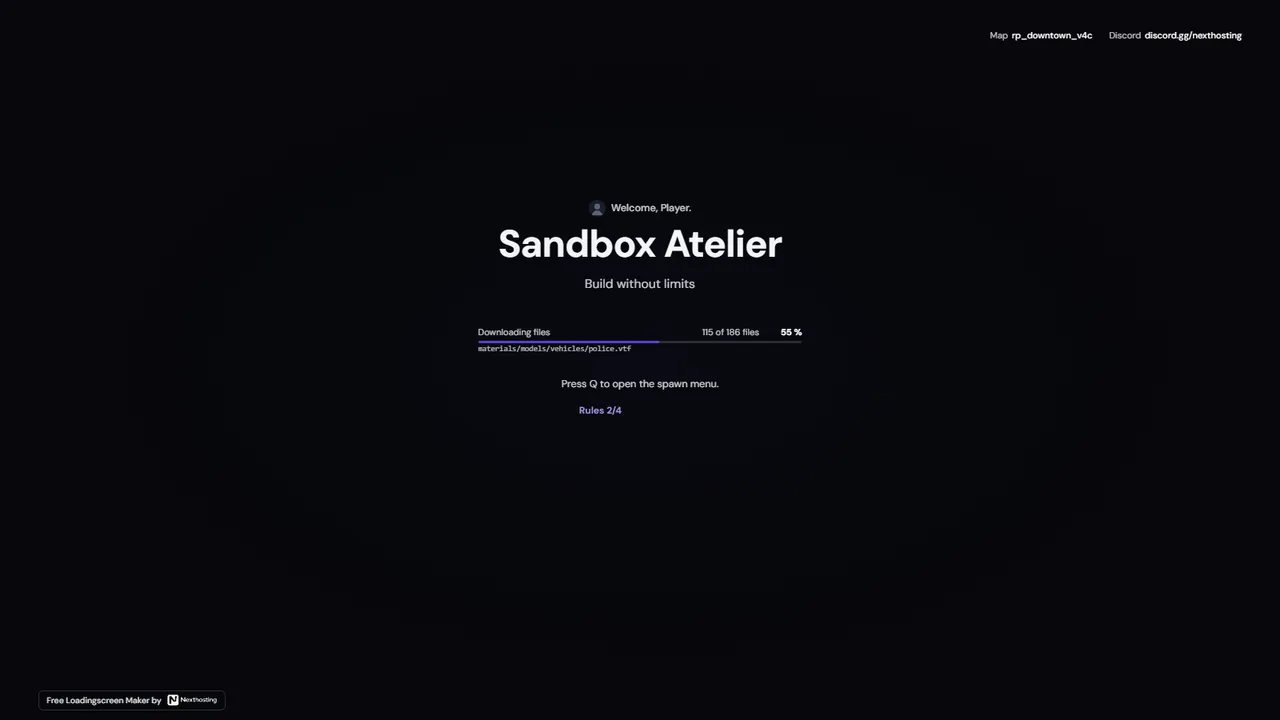
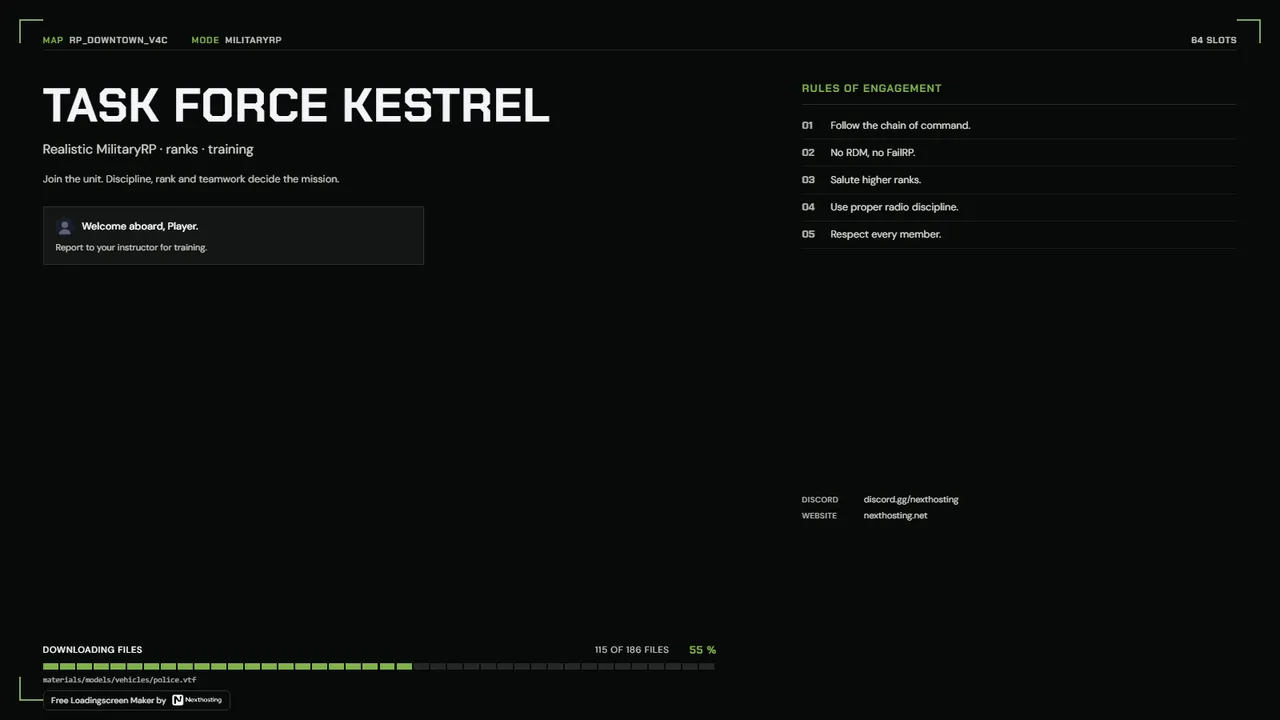
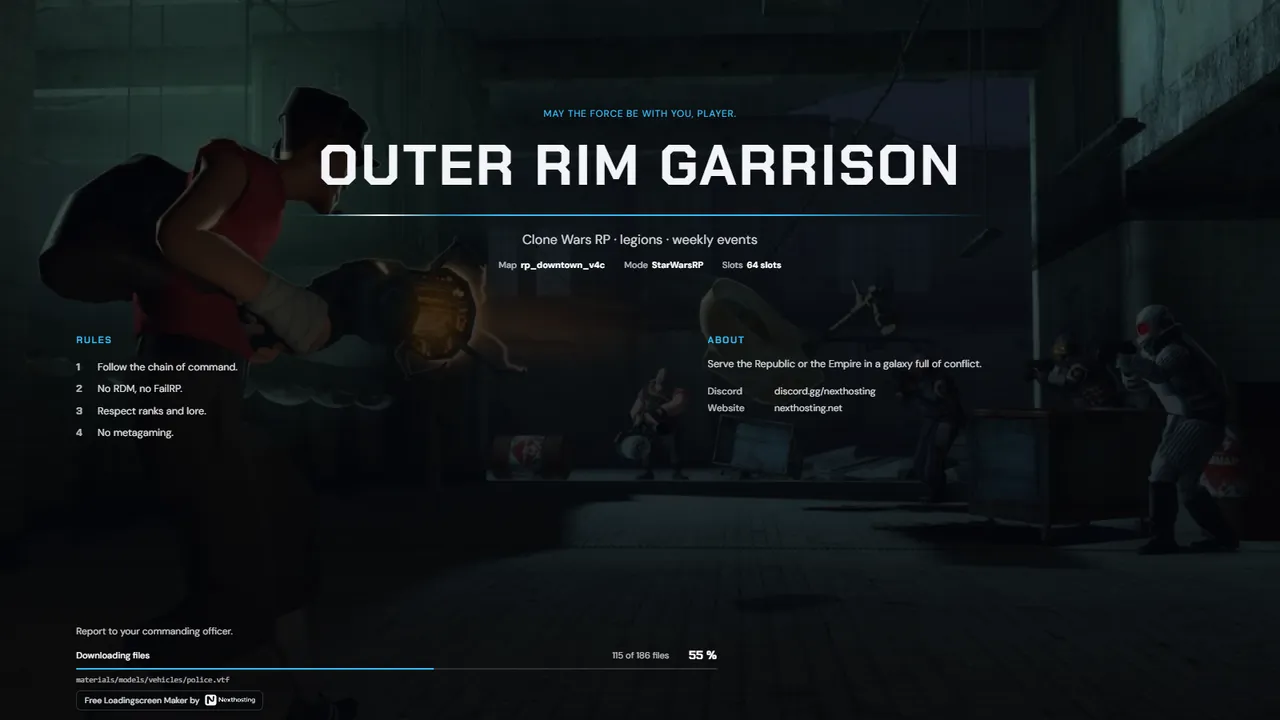
“Welcome to the city, Alex.” The loading screen pulls the name and profile picture from the Steam profile of the player who is connecting.
Free. Sign in with your Nexthosting account; creating one costs nothing.
How the greeting works
- Step 1Write the text
In the editor, enter something like “Welcome back, {{steam_name}}!” under “Greeting”.
- Step 2The server provides the Steam ID
When a player connects, Garry's Mod passes their Steam ID to the loading screen.
- Step 3Name and picture appear
The loading screen looks up the Steam profile and shows the name and avatar. If the lookup fails, it shows “Player” instead.
Frequently asked questions
Do you store players' Steam data?
A profile's name and avatar are cached for 24 hours at most, so Steam isn't queried on every connection. We don't keep a list of players.
What happens if Steam doesn't respond?
The loading screen shows “Player” and a neutral picture. Loading the game isn't held up by it.
Can I use other placeholders?
The Steam name is the only placeholder in the texts. The designs show map, gamemode and slots automatically.
Still not working? Steam name and avatar not showing
More about the loading screen generator

 Horizon
 Signal
 Briefing
 Pulse