
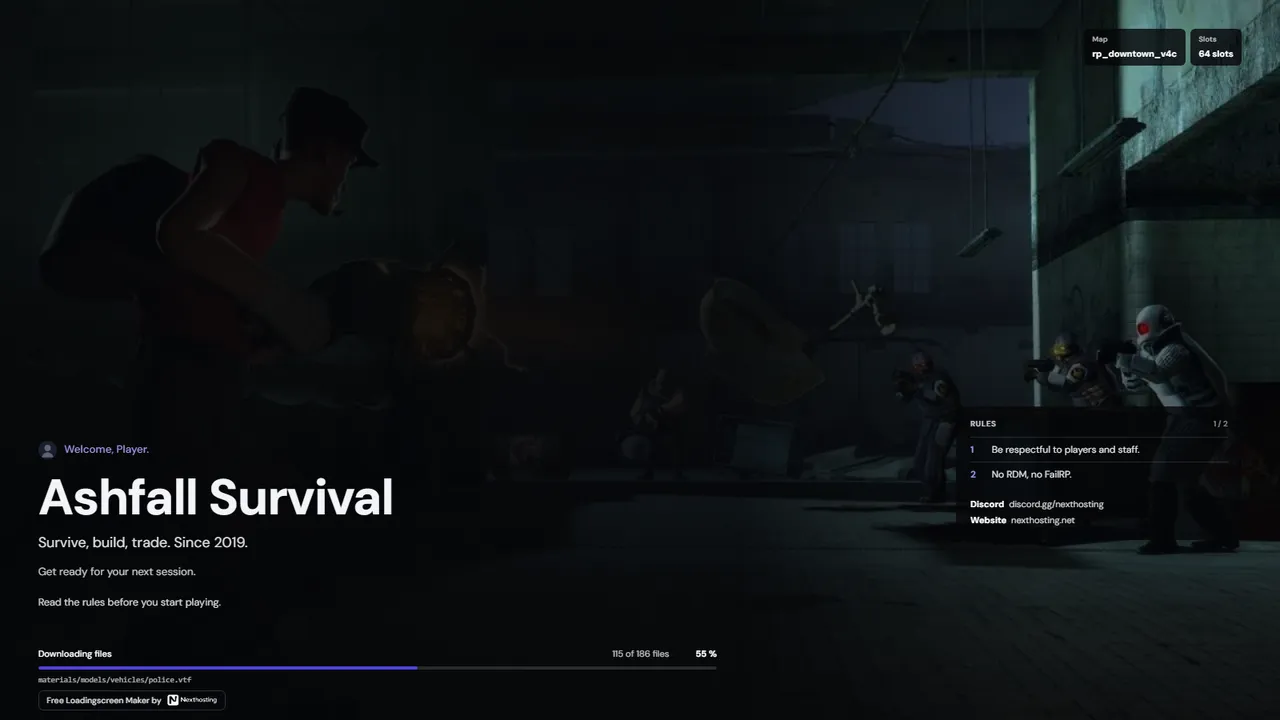
Garry's Mod
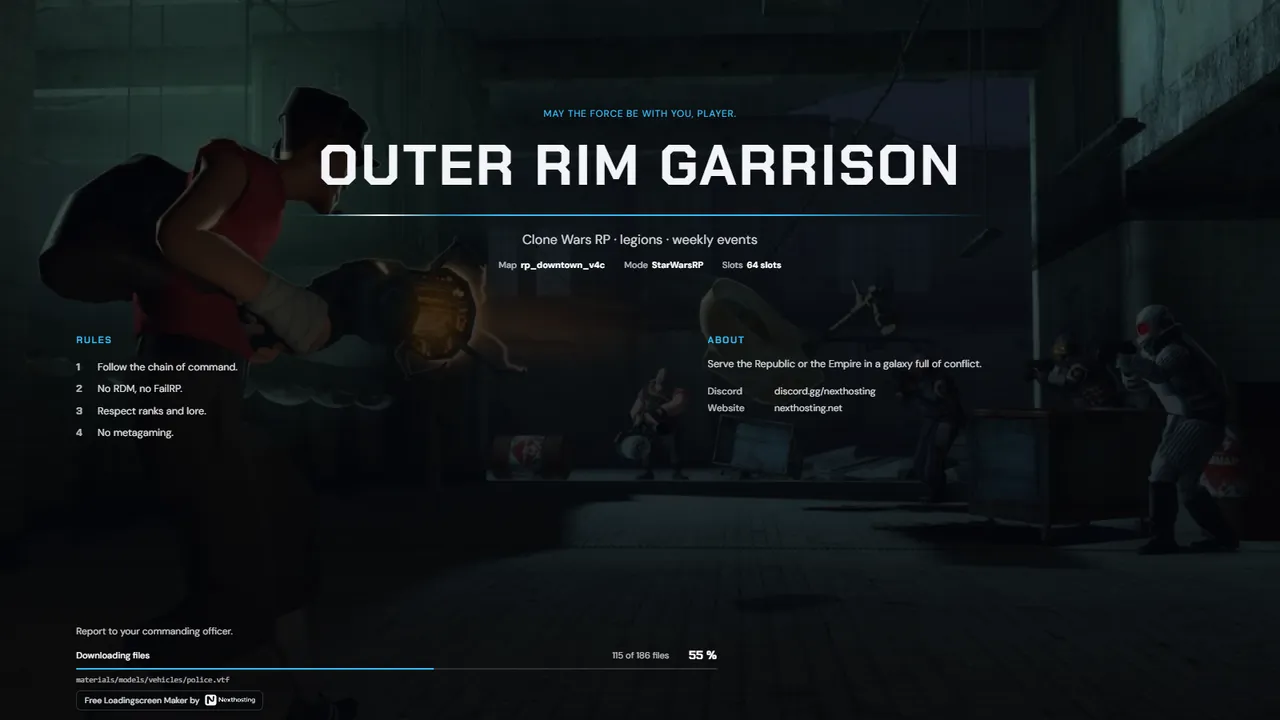
Loading screen with slideshow
Show screenshots of your server, your map or events. The images change every few seconds while the game loads.
Free. Sign in with your Nexthosting account; creating one costs nothing.
Show screenshots of your server, your map or events. The images change every few seconds while the game loads.
Free. Sign in with your Nexthosting account; creating one costs nothing.
Landscape works best, and 1920 × 1080 pixels is enough. The editor shrinks large photos before uploading.
In the editor under “Images”, set the background image and add more images for the slideshow.
Use “Darkening” to keep text readable on bright images. The preview shows the result right away.
On our server in Germany. They are re-encoded so that no hidden data comes along.
Up to 40 images per account. The editor cleans up images that no longer appear in any loading screen when needed.
No. The loading screen runs alongside the addon download, and the images are compressed small.
Free. Sign in with your Nexthosting account; creating one costs nothing.
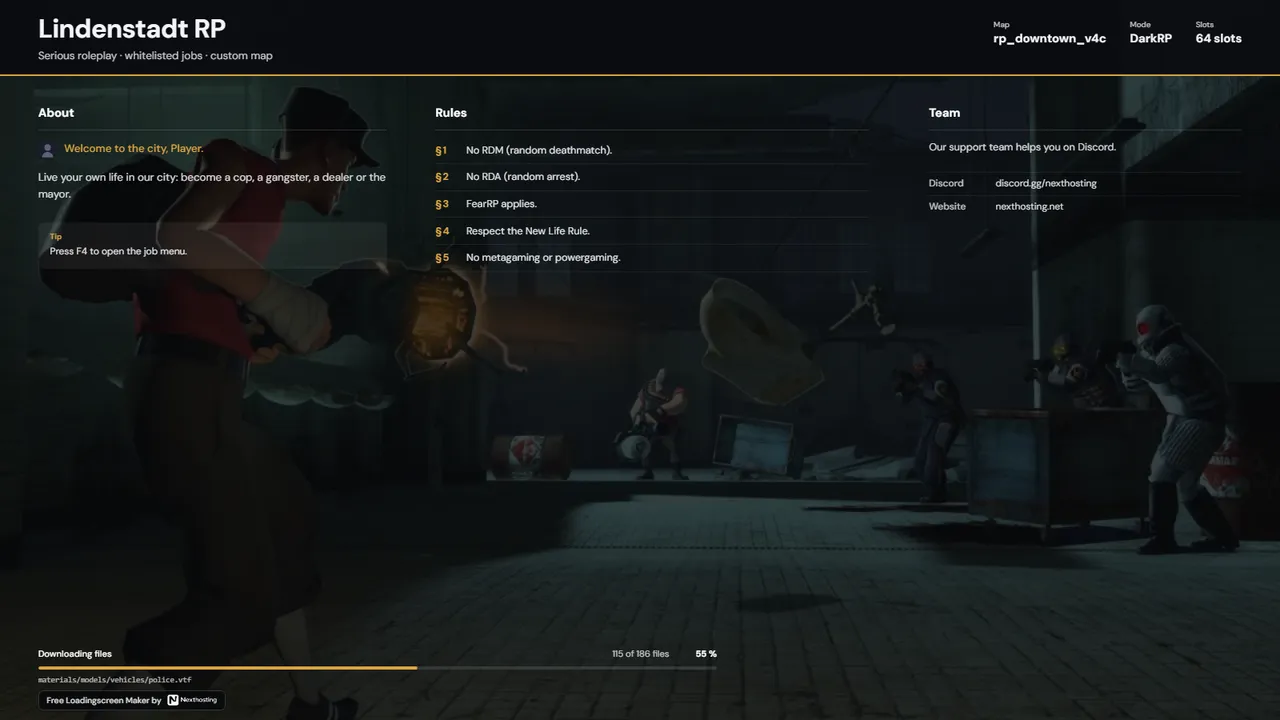 Charter
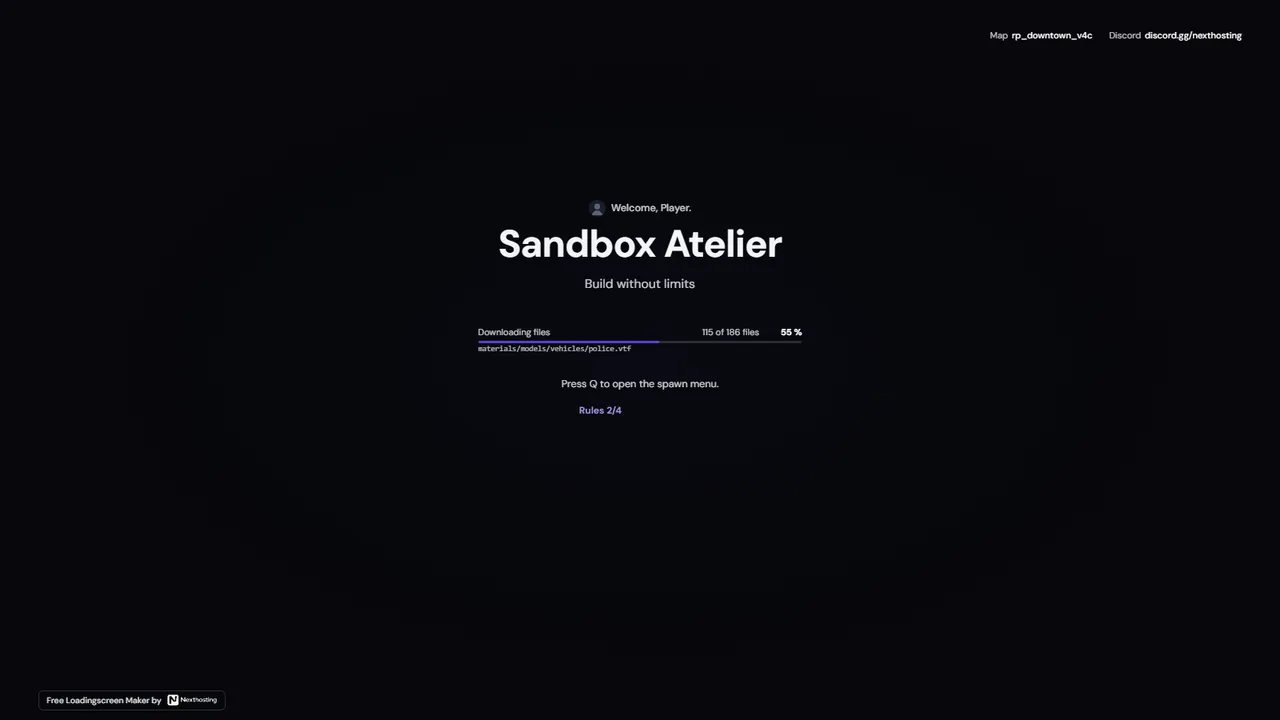 Signal
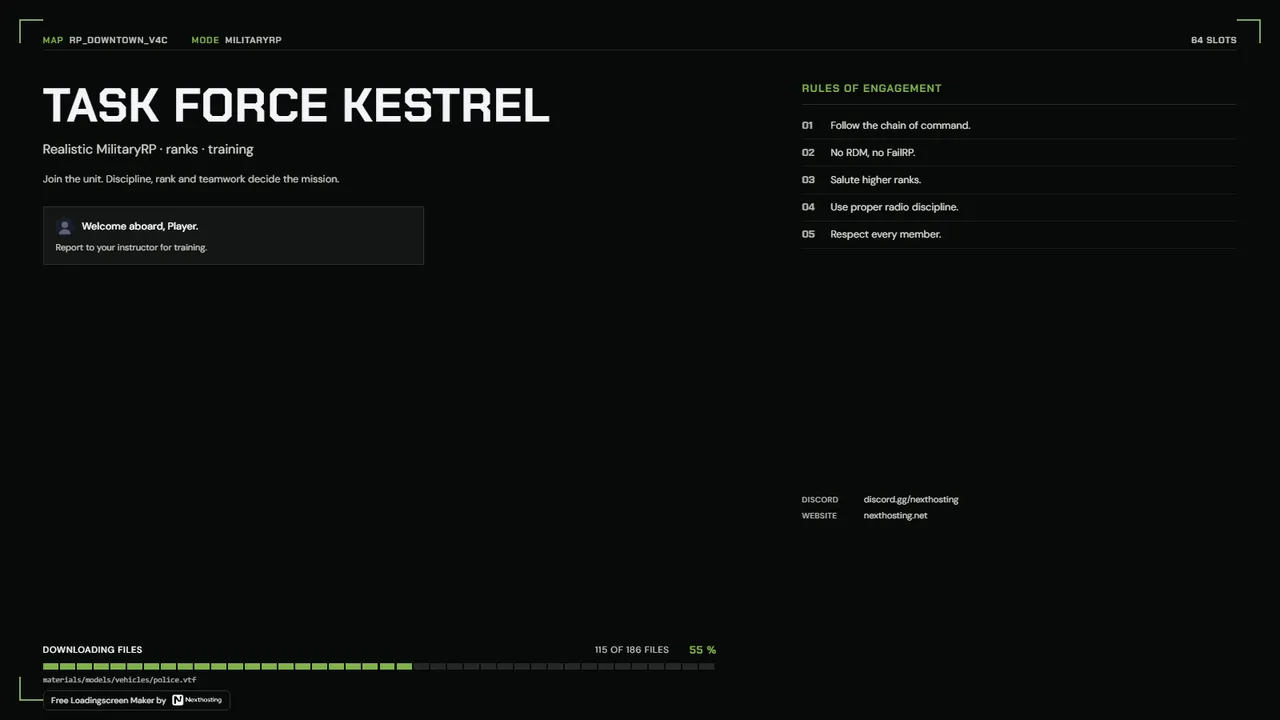 Briefing
 Pulse