
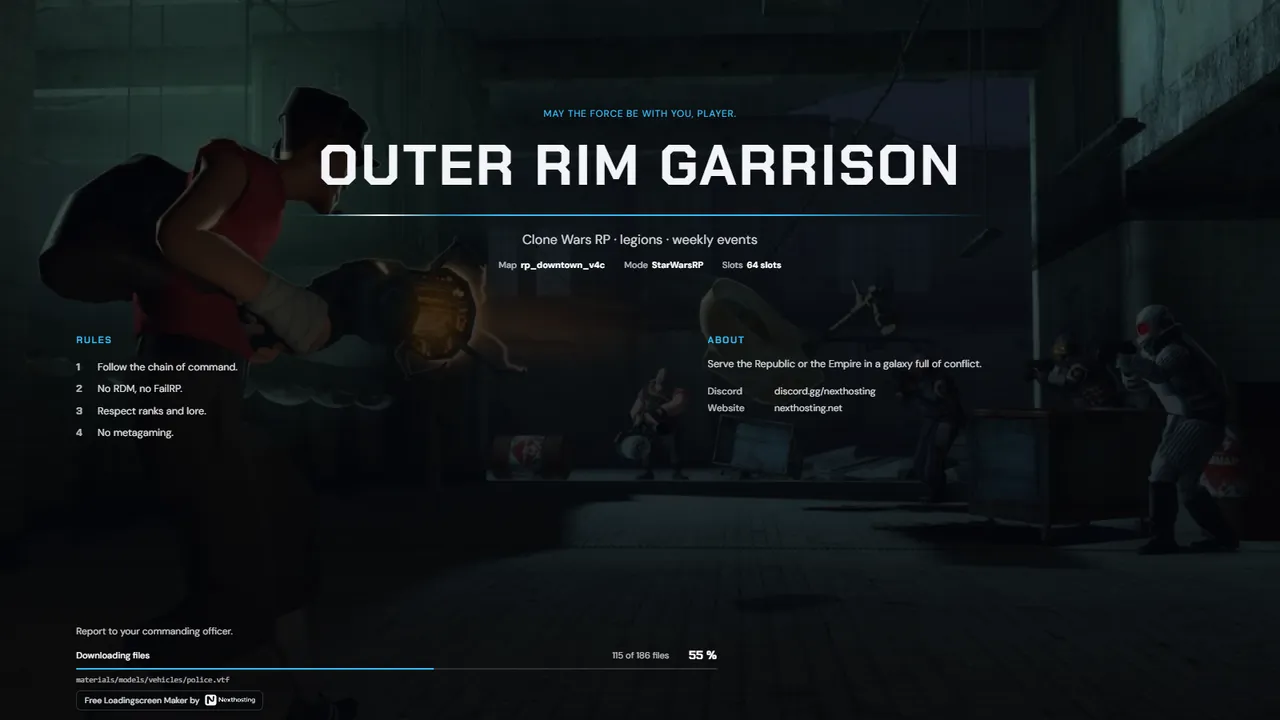
Garry's Mod
Loading screen with music
Your playlist plays while the addons load. The volume follows the music slider the player has set in Garry's Mod.
Free. Sign in with your Nexthosting account; creating one costs nothing.
Your playlist plays while the addons load. The volume follows the music slider the player has set in Garry's Mod.
Free. Sign in with your Nexthosting account; creating one costs nothing.
Upload the MP3 or OGG file to storage that gives you a direct HTTPS link, for example your website.
In the editor, go to “Extras” and paste the link under “Music”, with more tracks below it, one per line.
The live preview plays the music. Save, and you're done.
No. In the loading screen, Garry's Mod only plays real audio files. You need a direct link that ends in .mp3 or .ogg.
Usually the music slider in their game settings is set to zero. The loading screen takes over that value on purpose.
Only music you have the rights to, such as royalty-free tracks or your own pieces.
Free. Sign in with your Nexthosting account; creating one costs nothing.
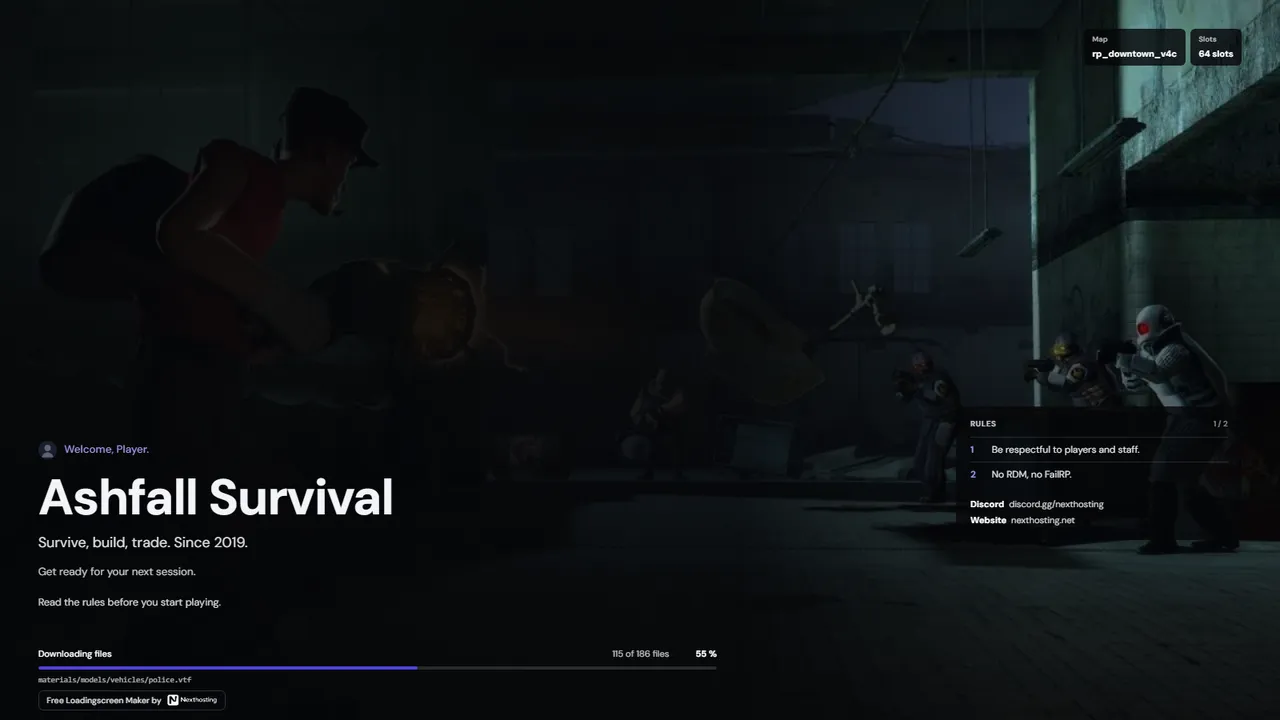 Horizon
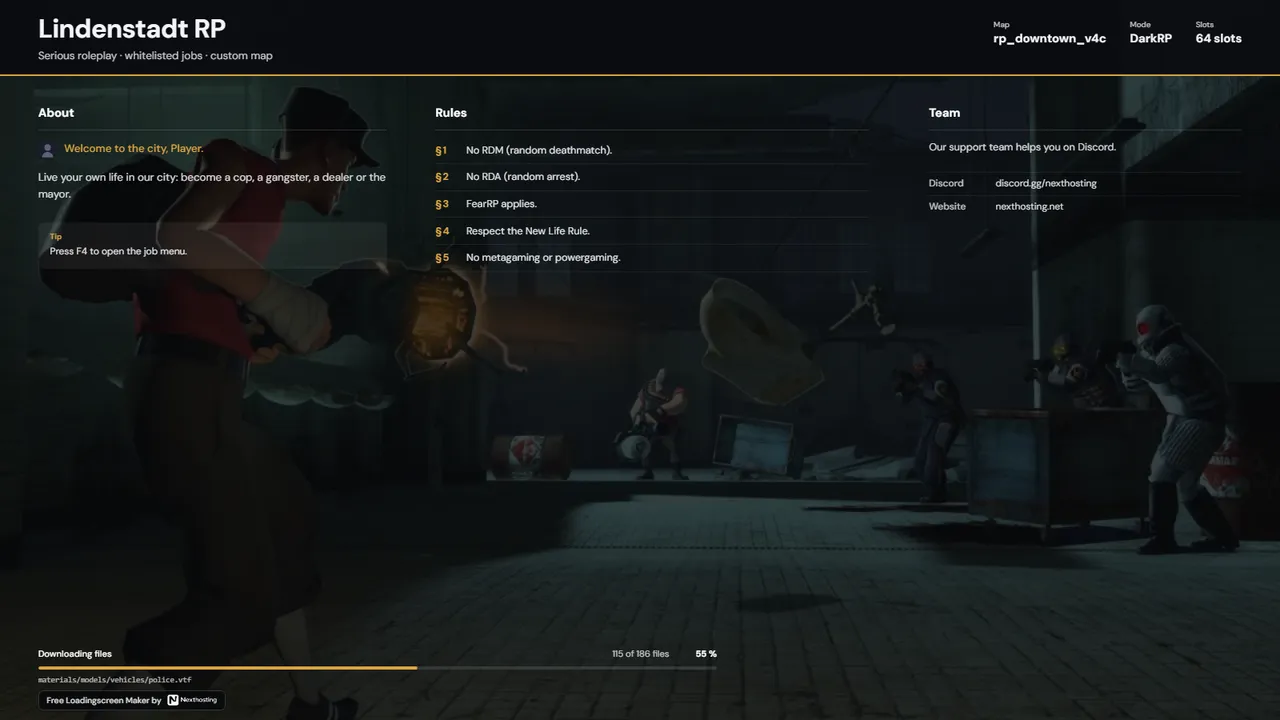 Charter
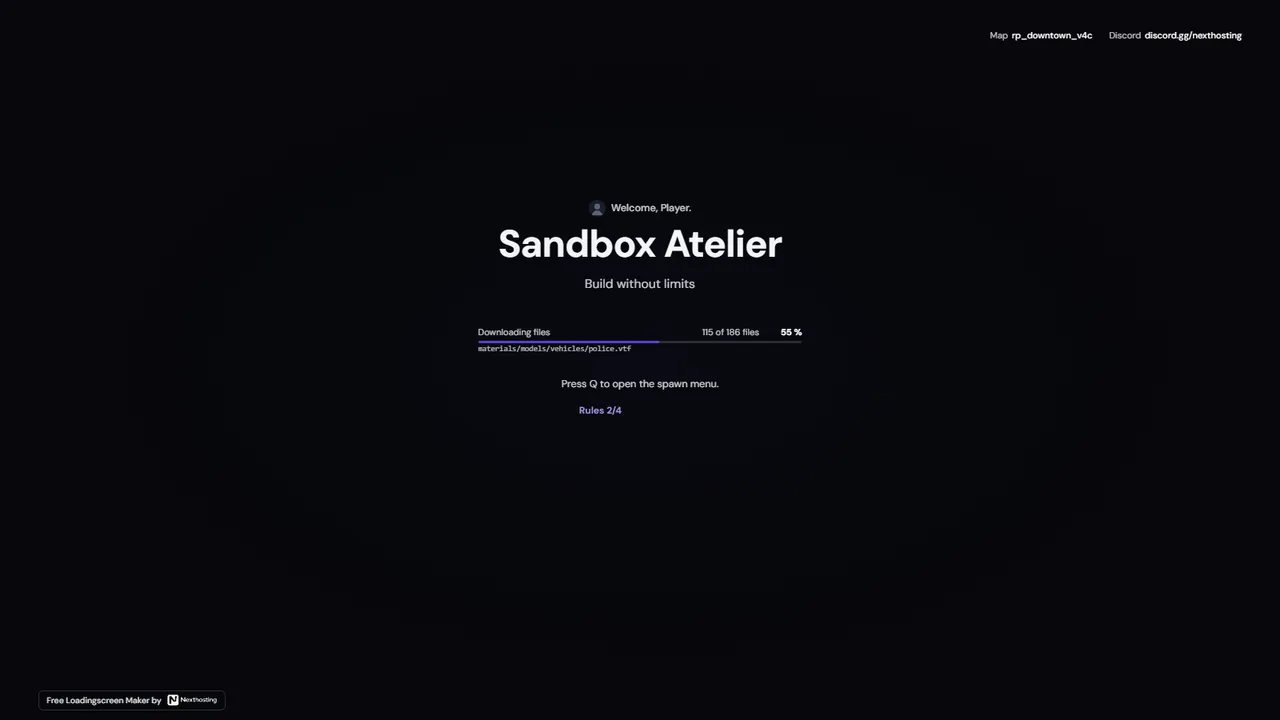 Signal
 Briefing